Hey everyone, I am Arushi.
Im a second year electronics student.
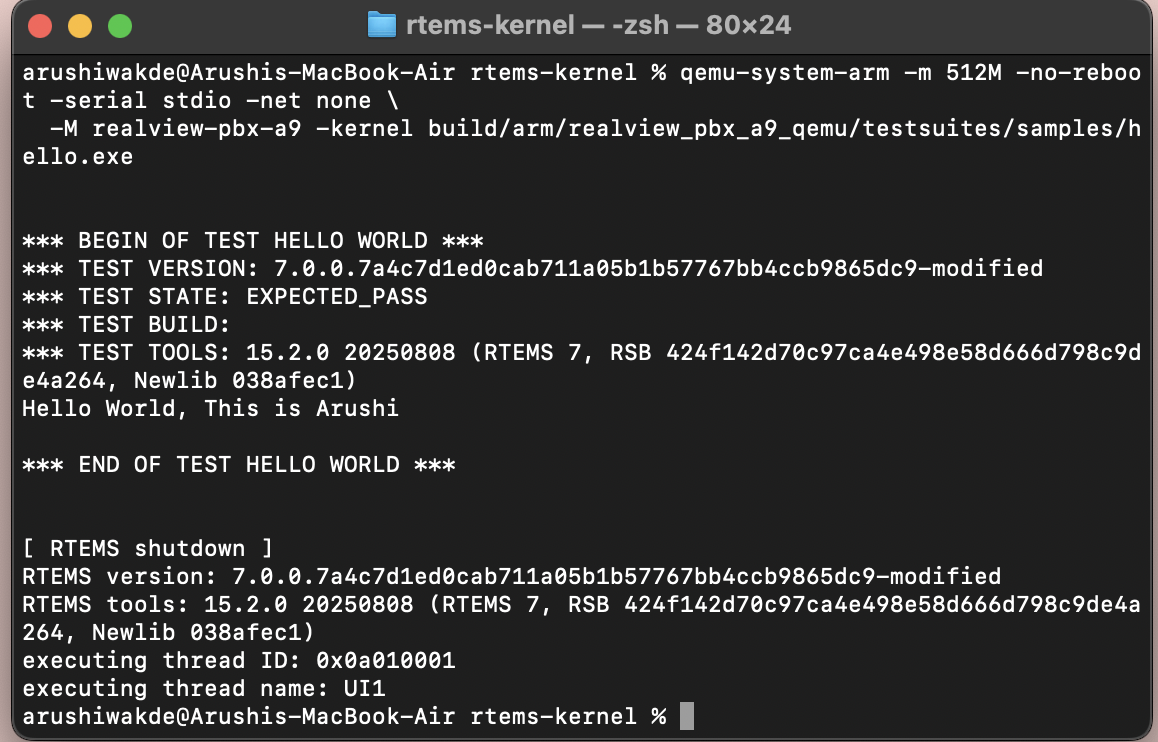
I have successfully set up the RTEMS7 development environment on my Mac (m4). I faced a few challenges like
- the code I had was of version 7 but I was trying to build the tools using version 6 command.
- I tried to compile the OS but it told me it wasn’t configured yet, so I created a config.ini file to fix the issue
- when I finally tried to run my program, the simulator crashed since the kernel was too large - I used a command line flag -m 512M to add more RAM into the virtual board. Once the board had 512MB the program fit perfectly and booted up.
Now everything is in sync and the hello world task is completed.