Dear @gedare, @michallenc and @ppisa,
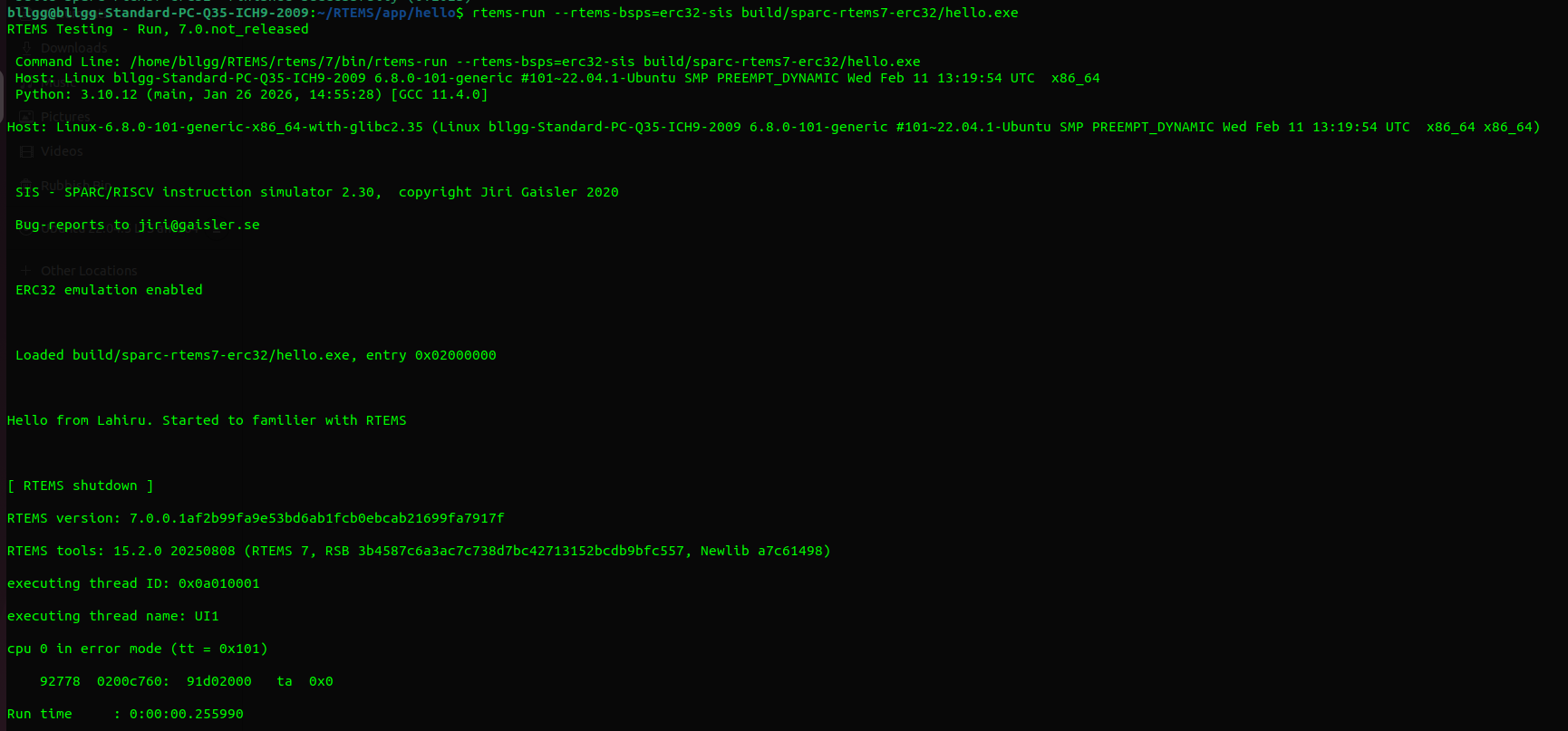
I was able to set up RTEMS v7 on my PC and follow the instructions up to running the ./qemu-i386-pc686-2x-ctu-pci-run in rtems-canfd.
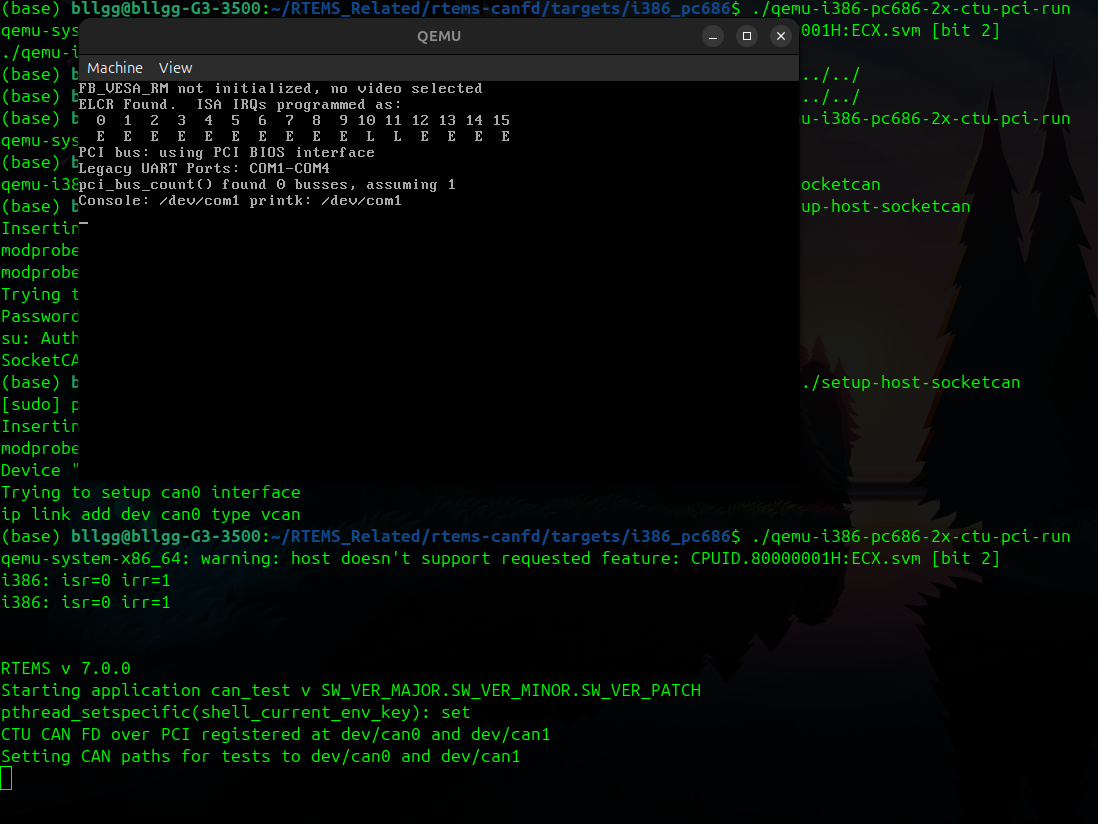
First, I ran the code in an RTEMS setup in an Ubuntu KVM and got the following results:
$ ./qemu-i386-pc686-2x-ctu-pci-run
qemu-system-x86_64: warning: host doesn’t support requested feature: CPUID.80000001H:ECX.svm [bit 2]
Then I thought it is because of the nested virtualization as I am running the qemu in a KVM
My next step was to set up RTEMS on my physical computer and redo the same procedure.
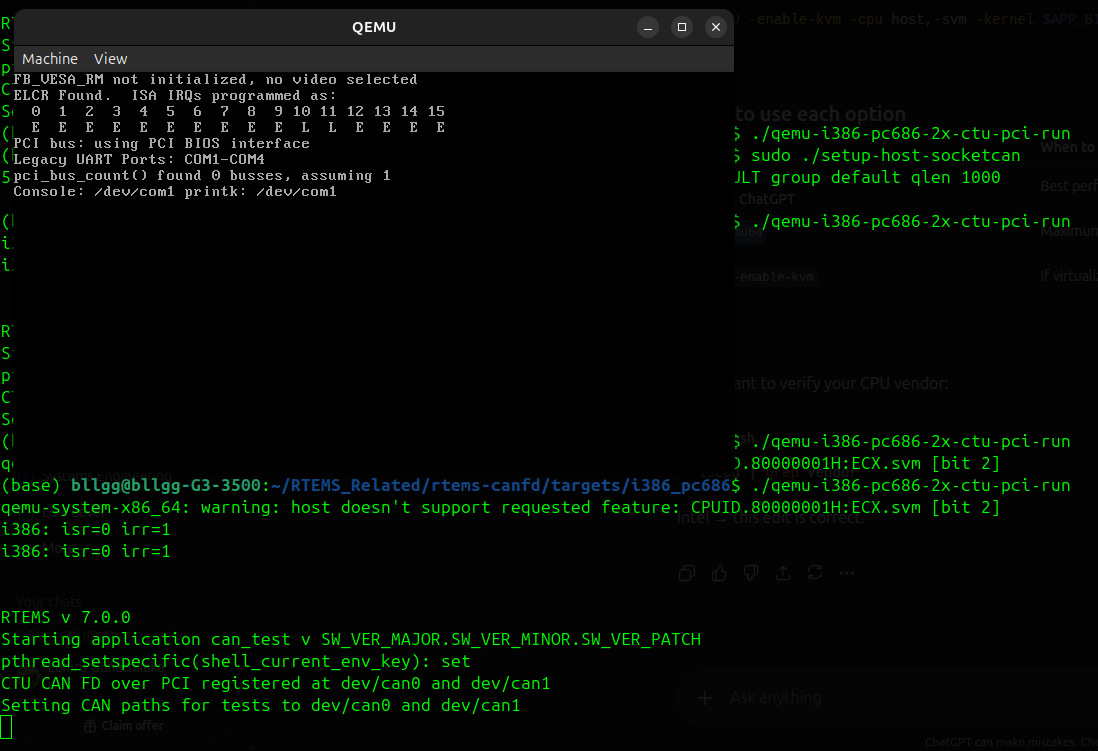
Then again, I got the same results as follows:
Afterwards, I realised this is related to the SVM option in QEMU, which is available for the AMD CPUs. My CPU is an Intel Core i5 CPU.
My next step was to disable the SVM option in the qemu-i386-pc686-2x-ctu-pci-run script. I used both
$QEMU -enable-kvm -kernel $APP_BINARY
-cpu host,svm=off
-nographic
-netdev user,id=n1 -device i82557b,netdev=n1
-append “–console=/dev/com1”
-object can-bus,id=canbus0-bus
-object can-host-socketcan,if=can0,canbus=canbus0-bus,id=canbus0-socketcan
-device kvaser_pci,canbus=canbus0-bus
-device ctucan_pci,canbus0=canbus0-bus,canbus1=canbus0-bus
and
$QEMU -enable-kvm -kernel $APP_BINARY
-cpu host,-svm
-nographic
-netdev user,id=n1 -device i82557b,netdev=n1
-append “–console=/dev/com1”
-object can-bus,id=canbus0-bus
-object can-host-socketcan,if=can0,canbus=canbus0-bus,id=canbus0-socketcan
-device kvaser_pci,canbus=canbus0-bus
-device ctucan_pci,canbus0=canbus0-bus,canbus1=canbus0-bus
within the script. Then the error disappeared. But the terminal never came to the SHLL [/] # terminal as mentioned in here to test the CAN functionality. It just stuck as follows:
Even though I tried pressing enter, nothing happened. I kindly appreciate any of your insights or guidance to move forward from this point. Thank you in advance.